Reading isn't remembering.
Studies show that testing yourself beats re-reading for long-term memory — Ontimeo turns your material into active practice so it actually sticks.
Active recall
Force your brain to retrieve information.
Spot your gaps
Know exactly what you need to review again.
Beat the curve
Spaced repetition stops the forgetting curve.
How it works
Three simple steps to see how much you really know.
1. Upload content
Drop in a PDF, PowerPoint, or paste your lesson notes directly.
2. AI generates
Our engine creates targeted multiple-choice questions in seconds.
3. Test & Share
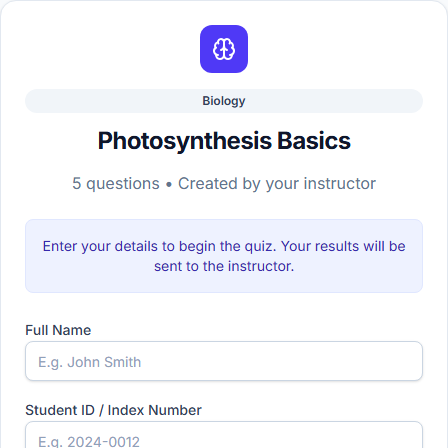
Challenge yourself instantly, or share a 6-digit code with your class.
Built for every subject, every grade.
From primary school to university and professional exams — if you can upload it, Ontimeo can quiz it.
Any Subject
Any Grade Level
Explore Our Books
Study guides and resources to pair with your quizzes.
The Discipline of One Page a Day
Ontimeo
Newton's Laws of Motion
Ontimeo
Letters to My Future Self
Ontimeo
The Circle You Choose
Ontimeo
HOW TO STUDY WELL
Ontimeo
SIX THINKING HATS
Ontimeo
THE ART OF LEARNING
Ontimeo
RANGE
Ontimeo
What our users say
Real feedback from teachers and students using Ontimeo every day.
Ontimeo cut my quiz prep from an hour to two minutes. I just upload my slides and I'm done.
My students actually enjoy testing themselves now. The instant feedback makes all the difference.
Sharing a quiz with my class takes ten seconds — no accounts, no setup, just a code.
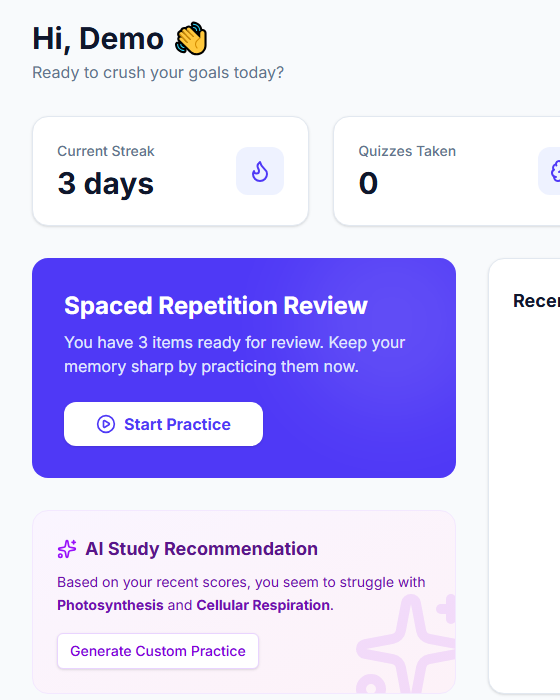
The spaced repetition review is exactly what I needed to actually retain what I study.
I can edit any generated question before sharing it, so I always trust what goes out to my class.
Finally a tool that turns my messy lecture notes into something I can actually quiz myself on.
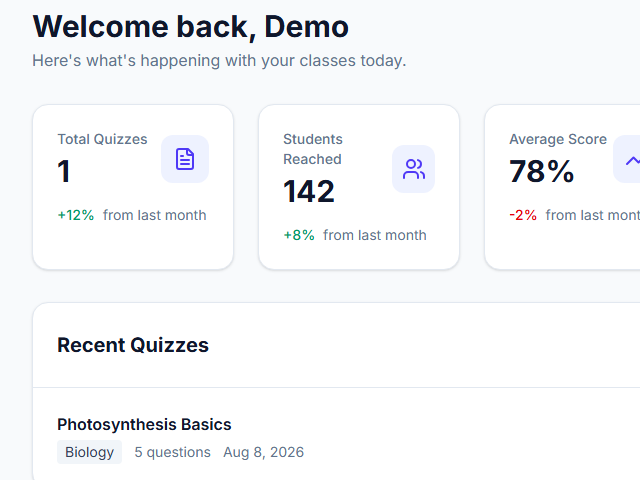
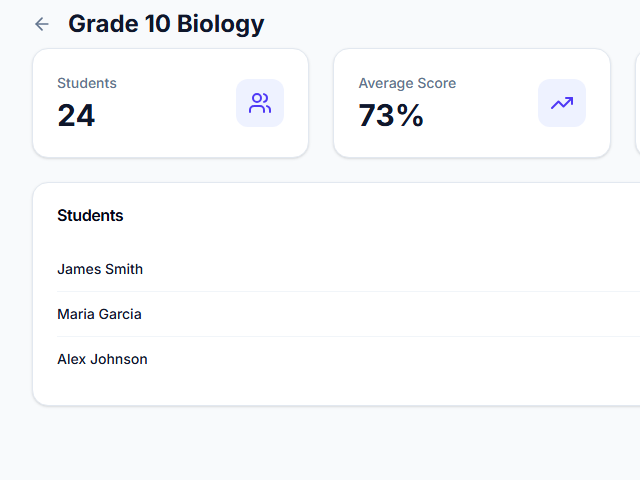
The per-question analytics show me exactly where my class is struggling.
Free 7-day trial was enough to convince me — now I use it before every exam.
It works in Arabic too, right to left, which none of the other tools I tried could do properly.